Top 10 Safe Driving Apps for 2026: Boost Safety & Save
You're probably in one of three situations right now. You want to cut down on distracted driving in your household, you're shopping for ways to lower your California car insurance costs, or you need better post-crash help than your phone's basic emergency features provide. Safe driving apps can help with all three, but they don't all solve the same problem.
That's where many drivers get tripped up. Some apps are built for family visibility. Some focus on crash detection. Some are really insurance telematics programs in app form. Others are closer to behavior-change tools that try to reduce phone use, speeding, harsh braking, or rapid acceleration. The Insurance Institute for Highway Safety notes that modern app-based telematics now track speed, hard braking, rapid acceleration, phone use, time, and location across trips, which is a major step up from older mileage-only programs and gives insurers and researchers a much clearer picture of real-world driving behavior in context, as explained in IIHS's review of safe-driving app telematics.
For California drivers, that distinction matters. If your goal is premium savings, a crash-response app alone won't move your rate. If your goal is protecting a teen driver, a rewards app without family alerts may fall short. And if privacy matters to you, the most feature-rich apps usually collect the most data.
Below are 10 safe driving apps worth considering, with the practical trade-offs that matter most for California auto insurance, family use, and real-day driving.
1. Life360
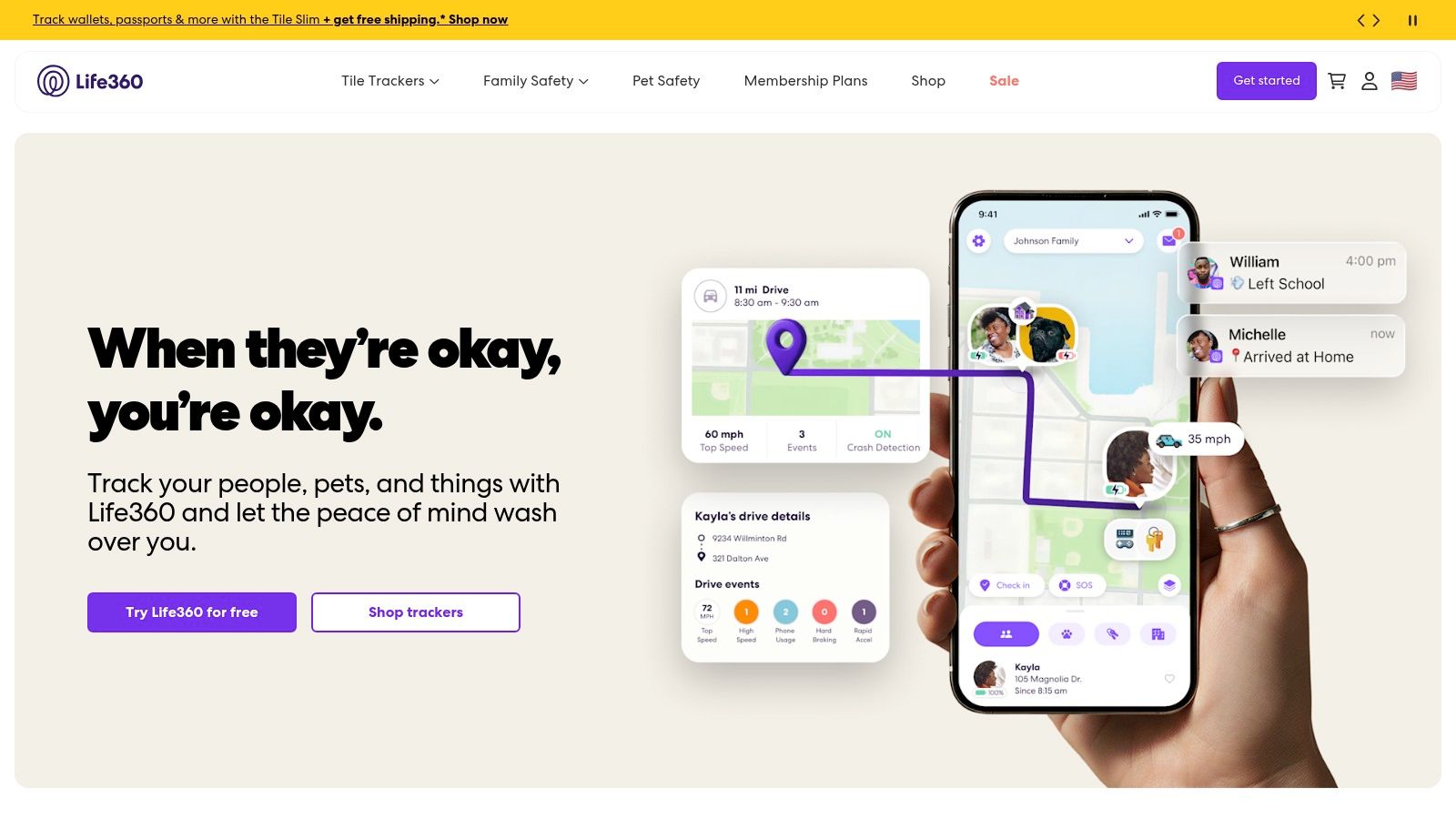
Life360 is the app I point families toward when they want one place for location sharing, driving reports, and crash-related support. It's less of a pure insurance tool and more of a household safety platform. That's useful if you have a teen driver, an older parent, or multiple cars under one roof.
Its biggest strength is that it works across phones and vehicles. You don't need a specific car brand, and you don't need to hardwire hardware into the vehicle. For many California families, that makes rollout simple.
Where Life360 works best
Life360 does a good job combining several functions that usually live in separate apps:
- Family visibility: Private Circles let household members see each other's location and travel status.
- Driving summaries: Driver reports can flag behaviors such as phone use and hard stops.
- Crash-related help: Automatic crash detection and alerts can speed up response when someone can't call for help.
- Roadside access: Useful for families who want one app for both driving awareness and basic support.
The trade-off is privacy. Continuous location and trip monitoring isn't for everyone, and the more safety visibility a family wants, the more they need a clear agreement about what gets tracked and why.
Practical rule: If you're adding Life360 for a teen driver, explain the purpose before you install it. Families get better results when the app is framed as coaching and emergency backup, not silent surveillance.
For insurance, treat Life360 as an indirect savings tool. It won't usually produce a telematics discount on its own, but better habits can help reduce claims, tickets, and household risk. In California, that can matter just as much as chasing a small app-based savings opportunity.
2. Openroad by Cambridge Mobile Telematics
Openroad by Cambridge Mobile Telematics is for drivers who care most about one thing. Fast crash detection with human follow-through. It isn't trying to be a family social layer or a gamified rewards app. That focus is exactly why some drivers will prefer it.
Cambridge Mobile Telematics is strongly connected to the telematics side of insurance, so the app benefits from a company that understands phone-based driving detection at scale. In practice, Openroad feels like a safety utility.
Best use case for California drivers
If you split time between multiple vehicles, borrow cars, use rentals, or don't want installed hardware, Openroad is appealing. It relies on the phone, not the car, which means your protection follows you.
A few points matter most:
- Crash response first: This app is strongest after an impact, not as a coaching tool.
- No hardware setup: That lowers friction for multi-car households.
- Always-on permissions matter: If users disable background access, the app's value drops fast.
For drivers who want broader guidance on how mobile safety tools fit into insurance decisions, Mai & Associates keeps a useful set of California insurance guides and coverage explainers.
Openroad is not the app I'd choose if your main goal is premium savings through behavior scoring. It's the app I'd choose if you want a cleaner safety backstop and don't want to depend on a built-in vehicle system. In California, where long commutes and freeway exposure raise the odds of needing quick post-crash support, that's a legitimate reason to install an app even when it doesn't directly change your rate.
3. OnStar Guardian
OnStar Guardian is one of the better choices for drivers who want professional emergency support without buying a GM vehicle. That's the key distinction. You get a recognizable emergency-response brand in a mobile app that can work across a mixed household.
That flexibility matters in California because households often insure several different vehicles across multiple drivers. An app that isn't locked to one make is easier to keep around long term.
Why some drivers prefer Guardian
Guardian is stronger on incident support than on behavior coaching. If you care about having access to emergency advisors, roadside help, and family location tools in one subscription, it's a solid fit.
Here's the practical upside:
- Works beyond one car: Helpful for households with different brands.
- Professional support: Some drivers value a live emergency advisor more than an automated app workflow.
- Useful on foot too: That broadens its safety value beyond driving alone.
The downside is straightforward. This is usually an ongoing subscription decision, not a discount strategy. If you're evaluating apps through an insurance lens, that means you should compare the monthly cost against the likelihood you'll use the support features.
Some apps save money by changing your premium. Others justify themselves by making a bad day less chaotic. Guardian belongs in the second group.
For California insurance shoppers, Guardian works best as a supplemental safety tool. It's easier to recommend to families who already have a stable auto policy and want stronger emergency coordination, rather than to drivers who are narrowly focused on reducing premiums.
4. Arrive
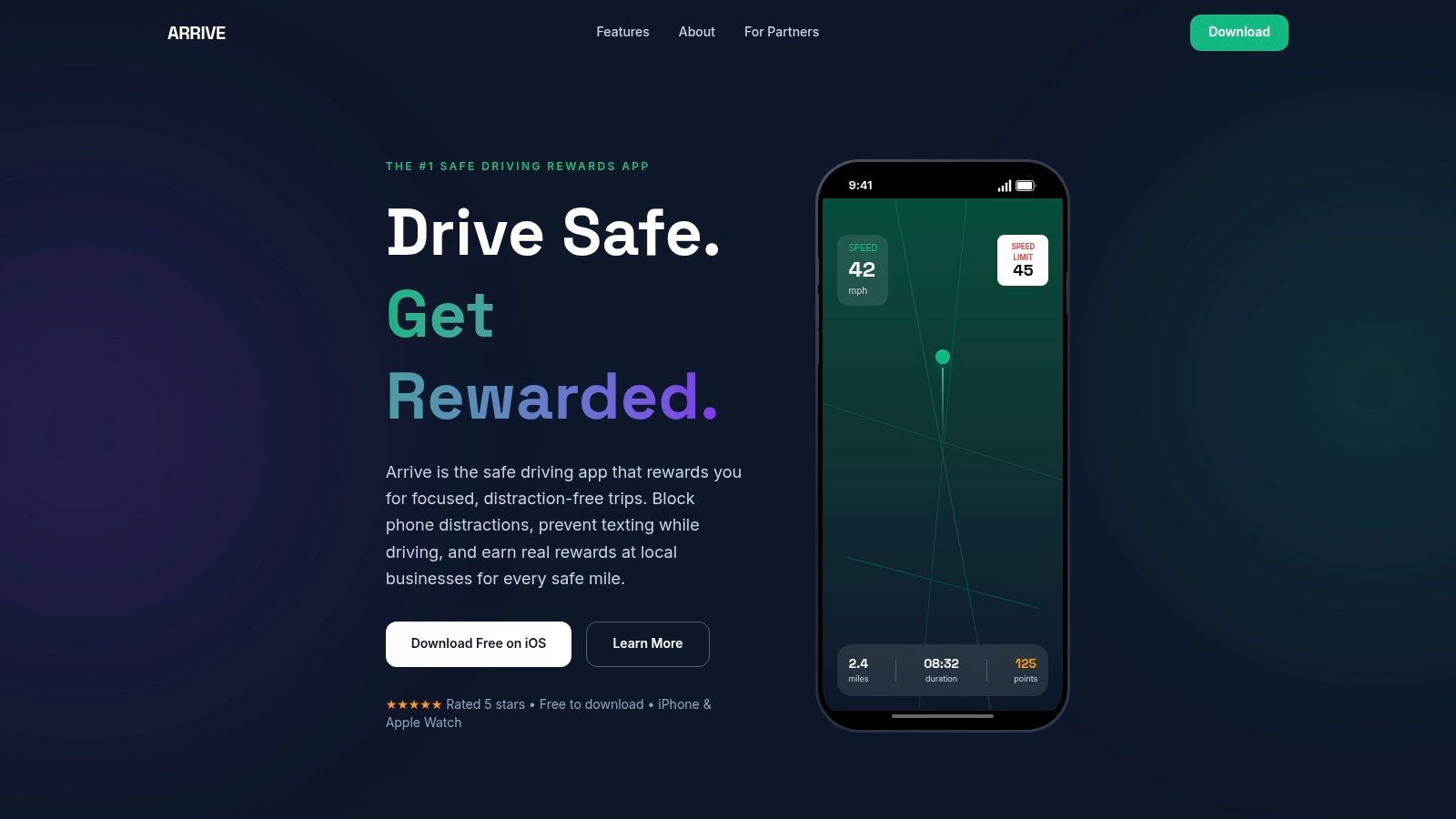
Arrive takes a different approach. It tries to make safer driving feel rewarding in the moment. Instead of centering the app on insurance scoring, it uses points, challenges, and reward mechanics to encourage distraction-free trips.
That style works better than many people expect, especially for younger drivers who respond to immediate feedback more than to abstract warnings about risk. If the app can make “don't touch the phone” feel like a win, it has a shot at changing behavior.
What Arrive does well
Arrive is best for drivers who want a lighter, less insurance-heavy experience. It's easy to try because it doesn't require a vehicle-specific setup.
A few real trade-offs stand out:
- Low barrier to start: Any car, simple concept, little setup friction.
- Behavior reinforcement: Points and challenges can keep users engaged longer than passive tracking.
- Variable rewards value: The app only feels compelling if the available redemptions matter to you.
For many reward-based safe driving apps, the nature of their rewards often determines user retention. If rewards inventory feels weak, motivation drops. If rewards feel meaningful, users stick with the routine.
For California drivers, Arrive can still have indirect insurance value. Safer day-to-day behavior can help prevent violations and claims, and that's often more important than chasing a specific app discount. But I wouldn't frame this as a car insurance savings app first. It's a habit app first, and that's exactly why it may work for certain drivers.
5. SAFE 2 SAVE
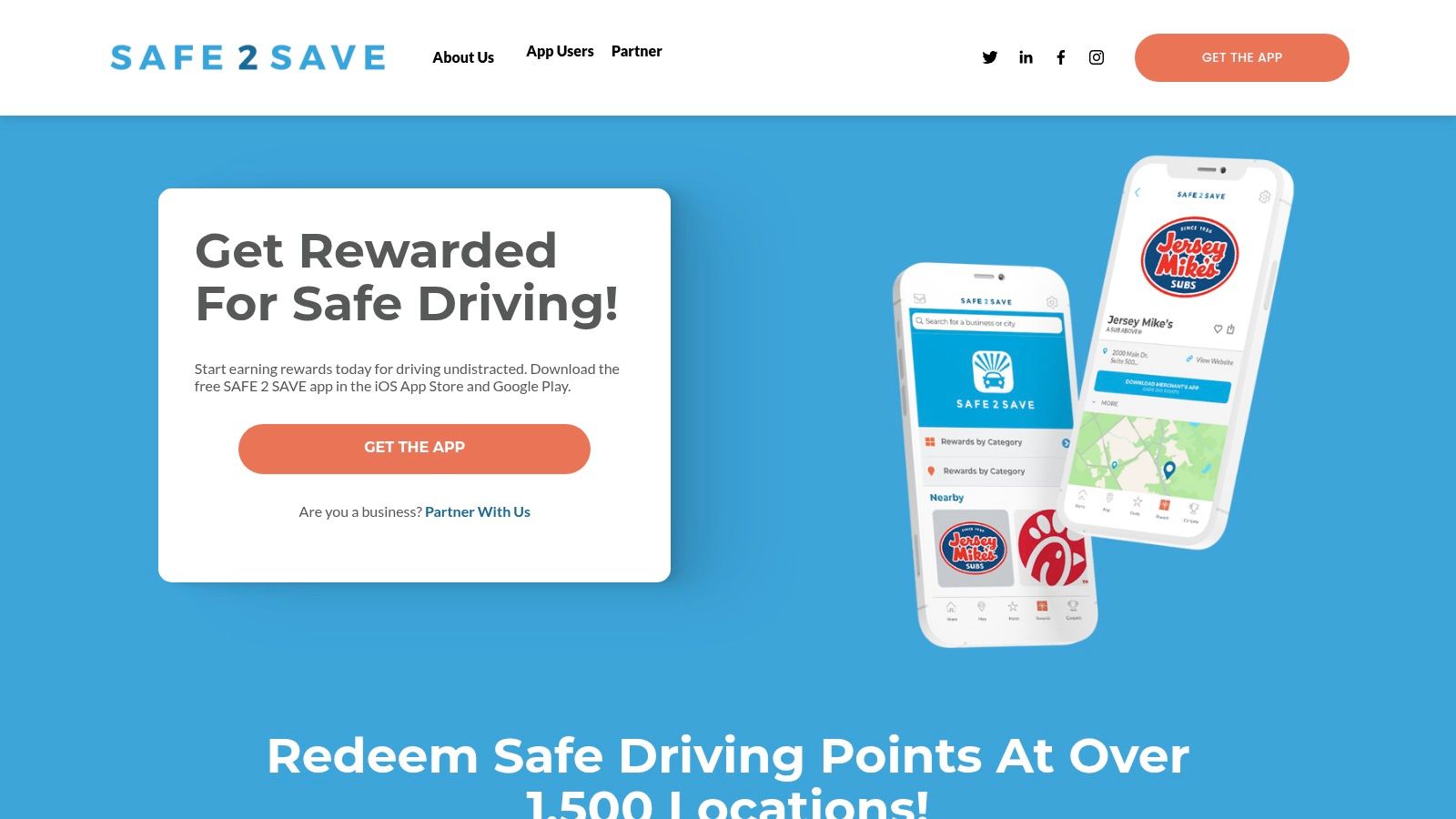
SAFE 2 SAVE is another rewards-driven option, but it feels more community-oriented than some competitors. The premise is simple. Avoid using your phone while driving, earn points, and redeem them through participating partners.
That sounds basic, but basic is often what works. The app's value depends on whether you want regular reinforcement for one specific behavior: staying off the phone.
Good fit for households and small groups
SAFE 2 SAVE stands out because it also offers family and business-oriented options. That makes it useful if you're trying to create a shared expectation around distraction-free driving instead of tracking one solo driver.
What to keep in mind:
- Best for phone-discipline: It's narrower than full telematics tools.
- Permissions are part of the deal: Motion and sensor access are central to accurate scoring.
- Regional rewards vary: Check partner quality before expecting too much from redemptions.
If you're comparing app language and insurance terms while sorting through telematics programs, Mai & Associates has a helpful California insurance glossary for common coverage and pricing terms.
This app won't replace a true insurer telematics program, and it won't give you crash documentation like a dash cam system. But if distracted driving is the main problem in your household, SAFE 2 SAVE stays focused. For many California families, that single-purpose approach is easier to maintain than an app packed with features no one uses.
6. Drivemode
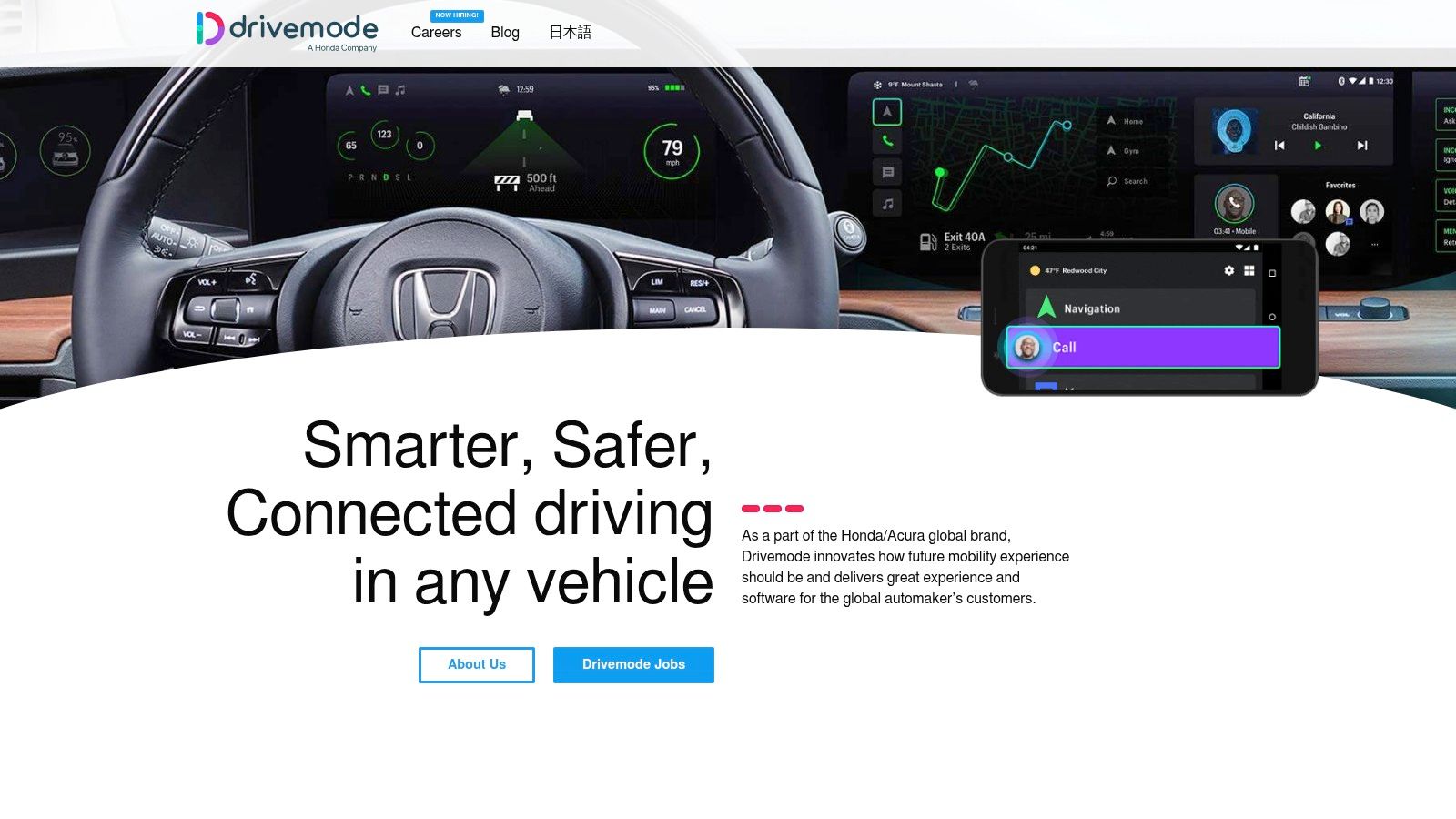
Drivemode fits a common California problem. A driver has an older car, no useful infotainment system, and a phone that keeps pulling attention away from traffic on I-5, the 405, or a crowded local commute. In that situation, a cleaner interface can reduce distraction before it turns into a ticket or a claim.
Drivemode is best understood as a distraction-control tool, not a discount-tracking telematics app. It gives Android users larger buttons, voice-driven controls, and message auto-replies so routine tasks take less visual and manual effort.
That matters for insurance, even if the app itself does not usually feed driving scores directly to your carrier.
At Mai & Associates, this is the trade-off I would explain to a California driver. Drivemode can improve the habits that eventually affect your insurance costs, but it usually will not generate a formal participation discount the way insurer-owned programs such as MercuryGO or Farmers Signal can. Its value is indirect. Fewer distracted moments can mean fewer violations, fewer at-fault losses, and a cleaner record over time.
Here's where it earns a place on this list:
- Better phone discipline: Large controls and voice prompts reduce the temptation to tap through multiple screens.
- Useful in older vehicles: It can fill the gap if your car lacks CarPlay, Android Auto, or a decent built-in system.
- Practical for high-mileage drivers: If you spend a lot of time in traffic, reducing small distractions adds up.
There is also a limit. A safer interface is still a phone interface. Drivers who already struggle to leave the device alone may need stricter solutions, including built-in do-not-disturb settings or an insurer program that rewards measurable behavior.
For California policyholders, that distinction matters. If your goal is direct premium savings, pair Drivemode with an insurance strategy that recognizes safe driving behavior. If your goal is reducing risk in a car that lacks modern tech, Drivemode is a sensible tool. Used the right way, it can help protect the record your insurer prices.
7. RoadReady
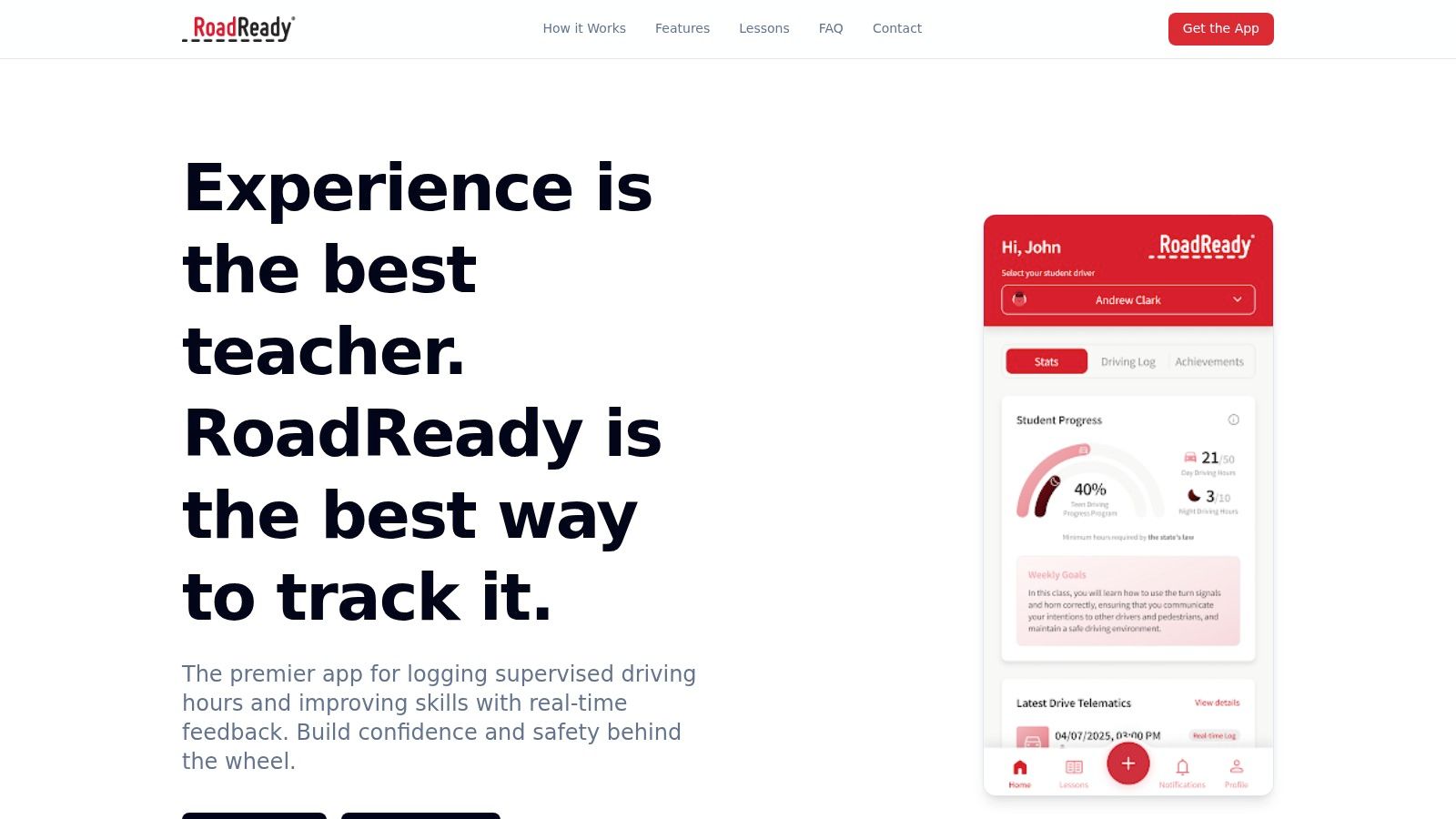
RoadReady fits a common California scenario. A teen has a permit, practice drives happen between school, work, and weekend errands, and the logbook ends up incomplete right when the DMV paperwork matters.
That is why this app earns a spot on the list. RoadReady is built for supervised driving logs, and that makes it more useful to many families than a generic safety app with no learner-driver structure.
Practical value for California families
RoadReady records practice sessions by date, duration, road type, weather, and other driving conditions. For parents, that creates a clearer coaching record. For teens, it usually leads to more balanced seat time instead of repeating the same short route close to home.
The insurance impact is indirect, but it matters. In California, adding a teen driver can change the cost of a policy fast. Better practice habits can lower the chance of an early at-fault loss or citation, and that matters more than any app feature list. Families comparing coverage for a new driver should also review how California auto insurance options for households with teen drivers are priced and structured before the license is issued.
Here is where RoadReady helps most:
- Accurate permit logs: Digital records are easier to maintain than paper forms.
- Better coaching: Parents can spot missing experience, such as night driving or freeway time.
- Stronger preparation: Repetition across different conditions usually produces a more confident newly licensed driver.
From an agency perspective, I would not present RoadReady as a premium-discount app. It does not usually feed a driving score to your insurer, and it is not a substitute for a carrier telematics program. Its value is risk reduction at the household level. For California parents, that is a smart trade-off. A well-prepared teen driver can protect the driving record that your policy price depends on.
8. MercuryGO
Mercury Insurance matters in this conversation because MercuryGO is one of the more relevant insurer-linked app options for California drivers. If you want safe driving apps that tie more directly to your auto policy, this is the category to watch.
MercuryGO focuses on trip history, driving feedback, and behavior coaching inside the insurer relationship. That's important because the app and the policy aren't separate decisions. They work together.
The California insurance angle
For California drivers, a telematics app only has value if it fits your actual policy setup and carrier options. MercuryGO is strongest for existing Mercury customers or drivers already considering that carrier.
A few practical points:
- Policy-linked value: This is a real insurance app, not just a generic driving tracker.
- Coaching plus scoring: Feedback can help improve habits before renewal discussions.
- Carrier restriction: No Mercury policy, no MercuryGO participation.
If you're comparing carrier options, telematics fit should be part of the conversation, but not the whole conversation. Coverage quality, claim handling, driver profile, and household needs still come first. Mai & Associates can help California drivers compare those moving parts when shopping for California auto insurance options and policy guidance.
This is one of the few apps on the list where insurance impact is central rather than incidental. That doesn't make it automatically better. It just means it belongs higher on the shortlist when savings and insurer integration are the priorities.
9. Farmers Signal
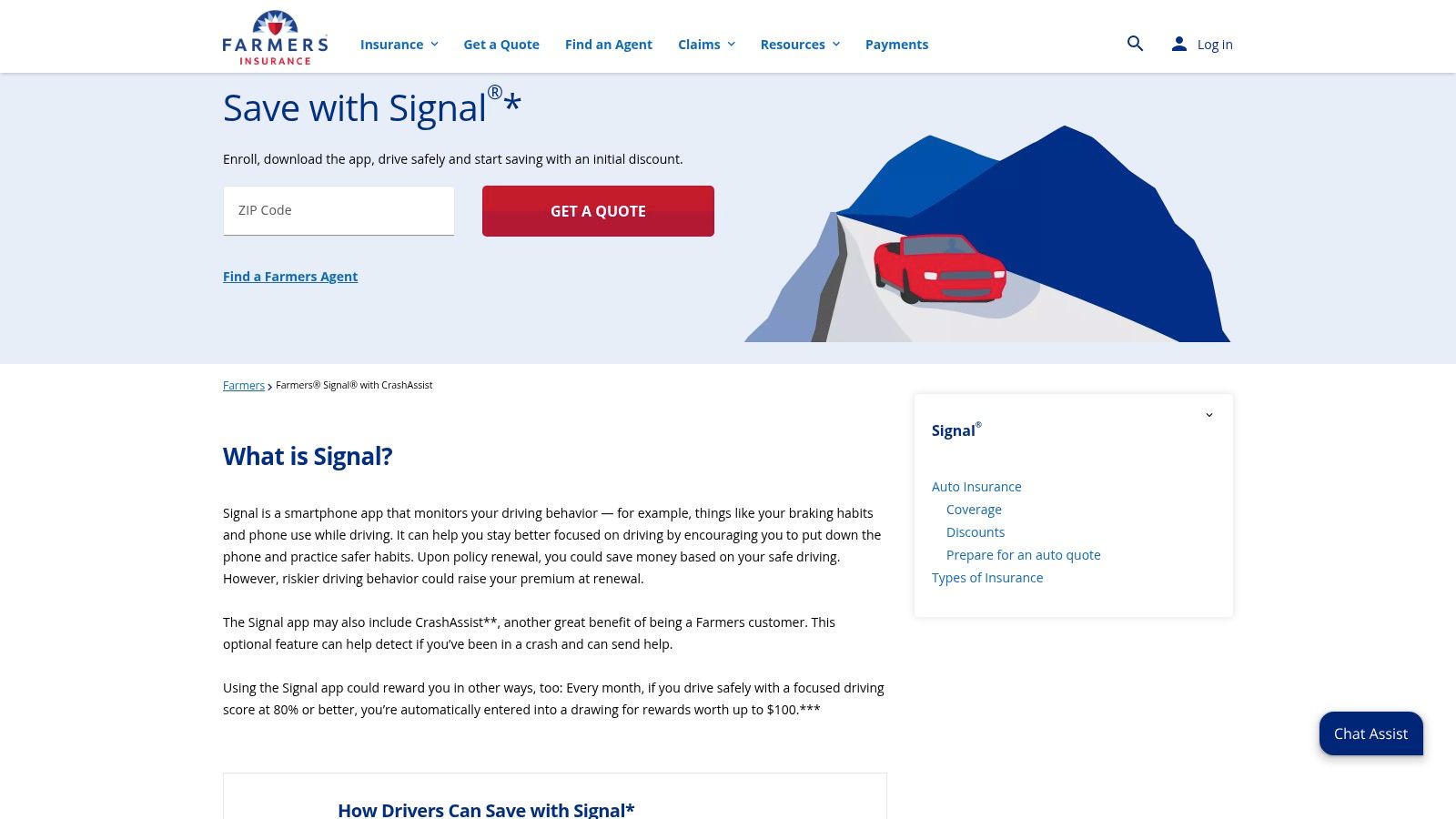
Farmers Signal is worth mentioning for California drivers for a different reason. It shows why you always need to separate app capability from state availability.
Signal includes trip recording, driving feedback, and CrashAssist features, which sounds like a complete insurer telematics package. But California shoppers need to pay attention to program differences, because the discount side doesn't necessarily line up the same way here.
Useful app, limited California pricing value
This is a good example of an app that can still have practical value even when the pricing piece is limited in California. Crash support and trip review can still help drivers understand habits and manage incidents better.
What I'd tell a client:
- Check state-specific details first: Never assume a national insurer app works the same way in California.
- Use the support tools anyway: Crash assistance can still justify installation.
- Don't overestimate savings: If the discount isn't available locally, treat the app as a safety feature.
California insurance decisions often come down to fine print, eligibility, and state-specific rules. App marketing pages don't always make that obvious.
If you want to compare state-appropriate policy options before relying on one insurer's app ecosystem, Mai & Associates offers a straightforward way to request a California insurance quote.
Farmers Signal is still useful. It's just not the app I'd lead with for California premium savings.
10. Nexar
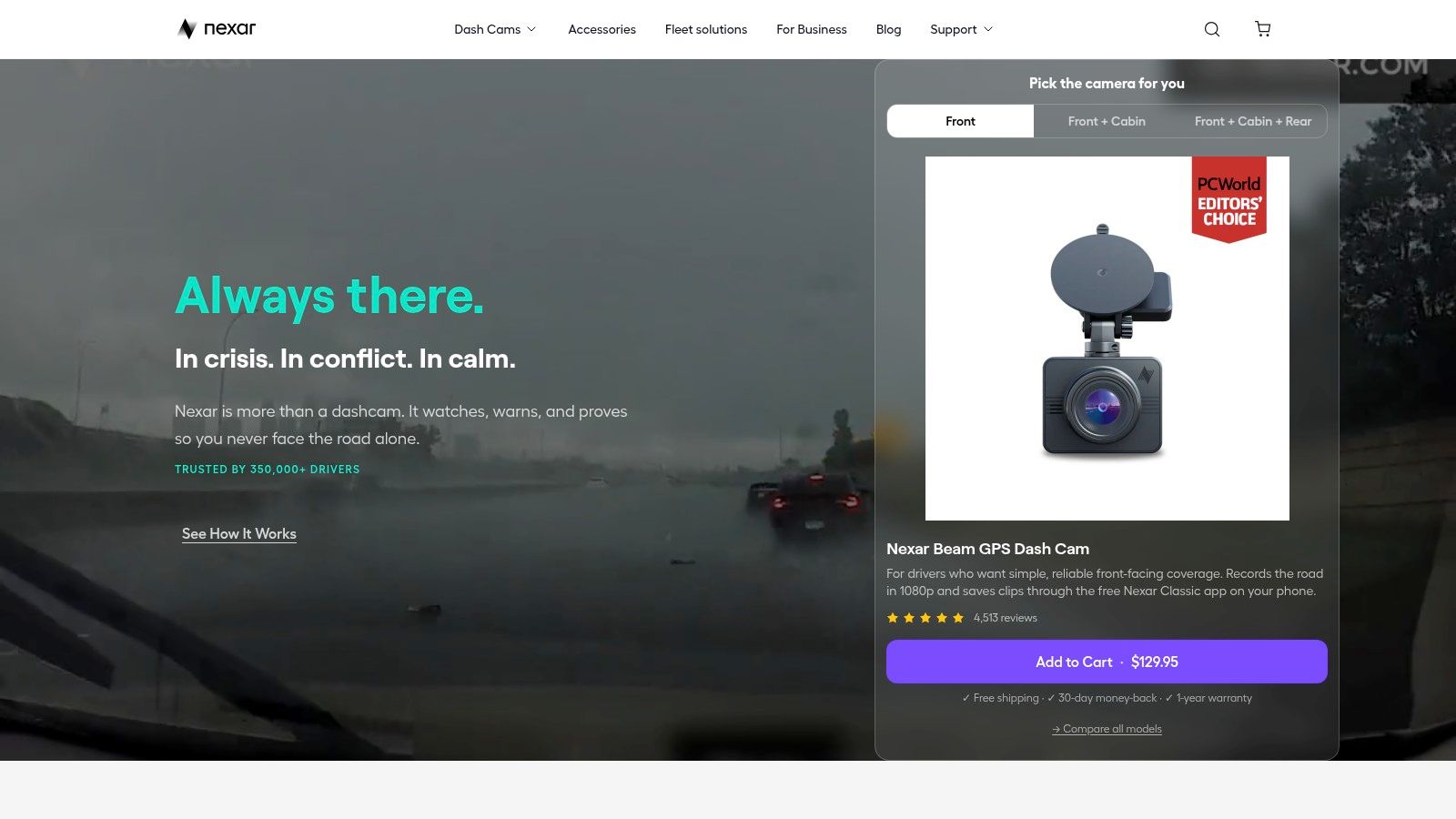
Nexar sits at the edge of the safe driving app category because it's really an app-plus-dash-cam system. But for insurance purposes, that combination can be more useful than a scoring app.
Nexar's strength is evidence. If there's a collision, the app can help back up footage, organize incident data, and prepare exports that are easier to share during a claim. For many California drivers, especially commuters and rideshare-adjacent users, that's highly practical.
Best for claims support and documentation
Nexar is not mainly about coaching your daily habits. It's about protecting your side of the story when something goes wrong.
That gives it a different value profile:
- Excellent post-incident support: Video evidence can be critical in disputed losses.
- Cloud-connected workflow: Easier to preserve and retrieve footage.
- Hardware required: You need to buy into the dash-cam ecosystem.
This is also where privacy deserves serious attention. Coverage of safe driving apps often skips the harder questions around who sees the data, how long it's retained, and how family or household monitoring changes behavior. Those concerns are especially relevant when apps collect time and location-linked telematics or support more aggressive phone-control features, as discussed in this review of privacy and monitoring questions around safe-driving apps.
For insurance strategy, Nexar won't usually lower your premium by itself. But if it helps establish fault clearly after a crash, it can still save money the hard way.
Top 10 Safe Driving Apps: Feature Comparison
| Product | ✨ Key Features | 👥 Best For | ★ UX / Reliability | 💰 Price / Value | 🏆 Standout |
|---|---|---|---|---|---|
| Life360 (Family Safety & Driving) | ✨ Crash detection, driving summaries, roadside access, Circles | 👥 Families with teen/senior drivers | ★★★★☆ reliable & feature-rich | 💰 Freemium → paid tiers for advanced features | 🏆 All‑in‑one family safety + driving visibility |
| Openroad (Cambridge Mobile Telematics) | ✨ Automatic crash detection, 24/7 human response, scene guidance | 👥 Drivers prioritizing fast crash help | ★★★★☆ focused & dependable | 💰 Free app; some response/services may be paid | 🏆 Purpose‑built crash detection + live responders |
| OnStar Guardian | ✨ Mobile crash response, OnStar advisors, roadside, family location | 👥 Mixed‑make households wanting pro monitoring | ★★★★☆ consistent professional support | 💰 Subscription (monthly) | 🏆 OnStar 24/7 Emergency Advisors |
| Arrive (This App Saves Lives) | ✨ Gamified safe trips, points, leaderboards, Pro analytics | 👥 Motivated drivers who like rewards | ★★★☆☆ positive gamification, variable rewards | 💰 Free + Arrive Pro subscription | 🏆 Incentive‑based reduction of phone distraction |
| SAFE 2 SAVE | ✨ Distraction‑free rewards, motion validation, family/business tiers | 👥 Community programs, families & fleets | ★★★☆☆ simple & community‑driven | 💰 Free to join; partner‑dependent rewards | 🏆 Community/partner reward network for safer driving |
| Drivemode | ✨ Voice controls, large HUD overlays, auto‑reply, customization | 👥 Android users needing hands‑free interface | ★★★★☆ mature, highly customizable | 💰 Free with in‑app upgrades | 🏆 Robust hands‑free phone interface for driving |
| RoadReady | ✨ Digital supervised driving log, state‑aligned tips, exportable logs | 👥 Learner drivers & supervising parents/instructors | ★★★☆☆ straightforward educational tool | 💰 Free | 🏆 Purpose‑built digital logbook for permit requirements |
| MercuryGO | ✨ Driving score, trip coaching, multi‑driver support | 👥 Mercury auto policyholders in CA | ★★★★☆ insurer‑integrated telematics | 💰 Insurance‑linked; potential discounts for good driving | 🏆 UBI discounts tied directly to Mercury policies |
| Farmers Signal | ✨ CrashAssist, automatic trip recording, behavior feedback | 👥 Farmers customers (features vary by state) | ★★★☆☆ useful crash tools; program limits in CA | 💰 Policy‑linked; available to enrolled Farmers customers | 🏆 Insurer‑backed crash assistance inside app |
| Nexar | ✨ Dash‑cam hardware + app, incident detection, cloud backup, exports | 👥 Drivers who want video evidence for claims | ★★★★☆ strong for incident capture & sharing | 💰 App free; requires dash‑cam purchase for full features | 🏆 Claims‑ready video ecosystem and automated backups |
Final Thoughts
A California driver downloads a safe driving app hoping for lower premiums, then finds out the app helps with habits but has no direct effect on the policy. That mismatch is common, and it is the main reason to choose these tools with an insurance plan in mind.
For direct premium impact, start with the app tied to your carrier. MercuryGO and Farmers Signal are the clearest examples in this list because they connect to the insurance side, not just the safety side. Before enrolling, confirm three things with your agent or carrier: whether the program is available for your policy in California, how each driver in the household is scored, and whether the app can affect only discounts or broader rating factors at renewal.
Apps such as Openroad, OnStar Guardian, and Nexar solve a different problem. They can improve emergency response, trip records, or claims documentation. That matters after a crash, but it is not the same as a telematics discount. Life360, RoadReady, Arrive, SAFE 2 SAVE, and Drivemode fit best when the goal is coaching, accountability, or reducing distraction instead of chasing a policy credit.
The market for these apps keeps growing, and the insurance industry is investing heavily in telematics. As noted earlier, that growth does not guarantee savings for every California household. In practice, the best results usually come from matching one app to one job and using it consistently.
That also keeps the data cleaner.
Running multiple trackers on one phone can create overlapping trip logs, battery drain, and inconsistent scoring. I usually recommend one primary app. Use the insurer app if the goal is premium savings. Use a coaching app if a teen driver needs feedback. Use a dash cam system if the priority is evidence for a claim dispute.
Savings are real, but they are not automatic. Discount value depends on the carrier, driving patterns, the age of the drivers on the policy, and how California rules apply to that program. Mai & Associates regularly advises drivers to compare the possible discount against the privacy trade-off, the risk of poor trip scoring, and whether a simple policy rewrite with another carrier would save more than any app.
For many families, this decision connects to the rest of the household insurance plan. A newly licensed teen can affect auto limits, umbrella liability needs, and even how vehicles are titled and scheduled on the policy. A college student using the family car may also trigger questions about renters coverage and liability protection away from home.
If you want a broader safety plan, these vehicle security tips from Top Motor Keys are worth reviewing alongside your app choice and insurance setup.
Mai & Associates helps California drivers and families compare auto, home, renters, and life insurance with practical guidance, not generic quotes. If you want to see how a safe driving app could fit into your California car insurance strategy, or you want a broader policy review for your household, get a no-obligation quote and advice from the licensed team at Mai & Associates.